Disclosure: some links in this guide are affiliate links, so I may earn a commission if you buy through them, at no extra cost to you.
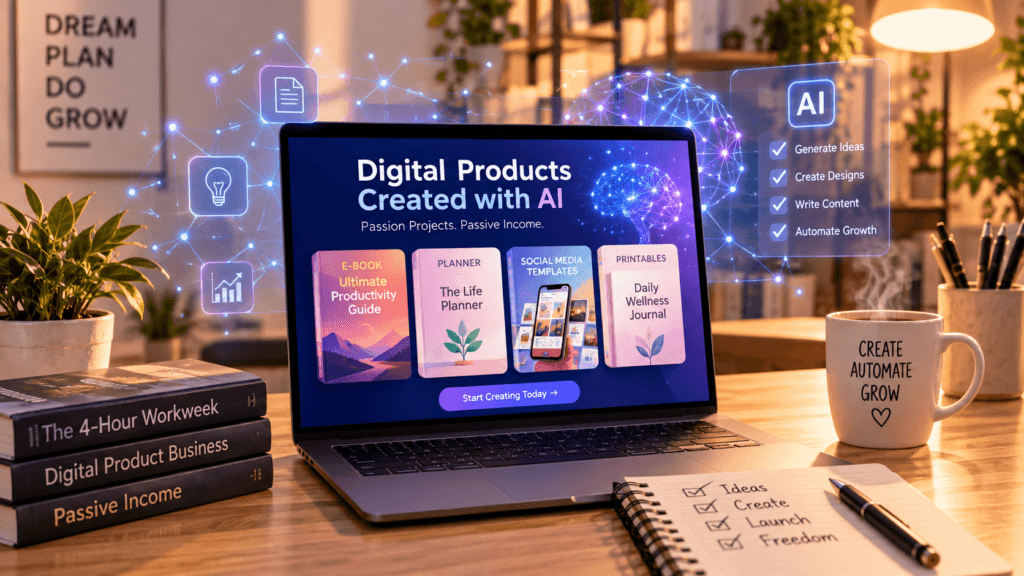
AI makes it much faster to research, draft and design a digital product. It doesn’t make the product worth buying on its own. The digital products to create with AI that sell are the ones where AI does the heavy lifting and a human adds the judgment: a clear niche, real editing, and a specific problem solved. This guide covers 17 product types, which AI tools to start with, where to sell each one, and the mistakes that sink most AI products. For a side-by-side comparison of the tools themselves, see our guide to the best AI tools for digital products.
New to the idea of earning with AI? Start with my overview of 9 real ways to make money with AI, then come back here to pick a product.
What Is an AI Digital Product?
An AI digital product is any downloadable or online product, such as an ebook, template, course, design pack or tool, that you create with help from AI tools. You will also see two narrower terms: AI-generated digital products are made mostly from AI output, like an art pack or a coloring book, while AI-powered digital products have AI built in, like a custom GPT or a chatbot template. Buyers don’t pay for the fact that AI was involved. They pay for a result: time saved, a problem solved or a skill learned. Keep that in mind for every idea below. (Want ideas that don’t depend on AI, plus what you keep per sale on each platform? See our full list of digital product ideas.)
Free guide: 50 AI Side Hustle Ideas. Want more options than these 17? Fifty side hustle ideas, each with the audience, the money, the difficulty and the real startup cost.
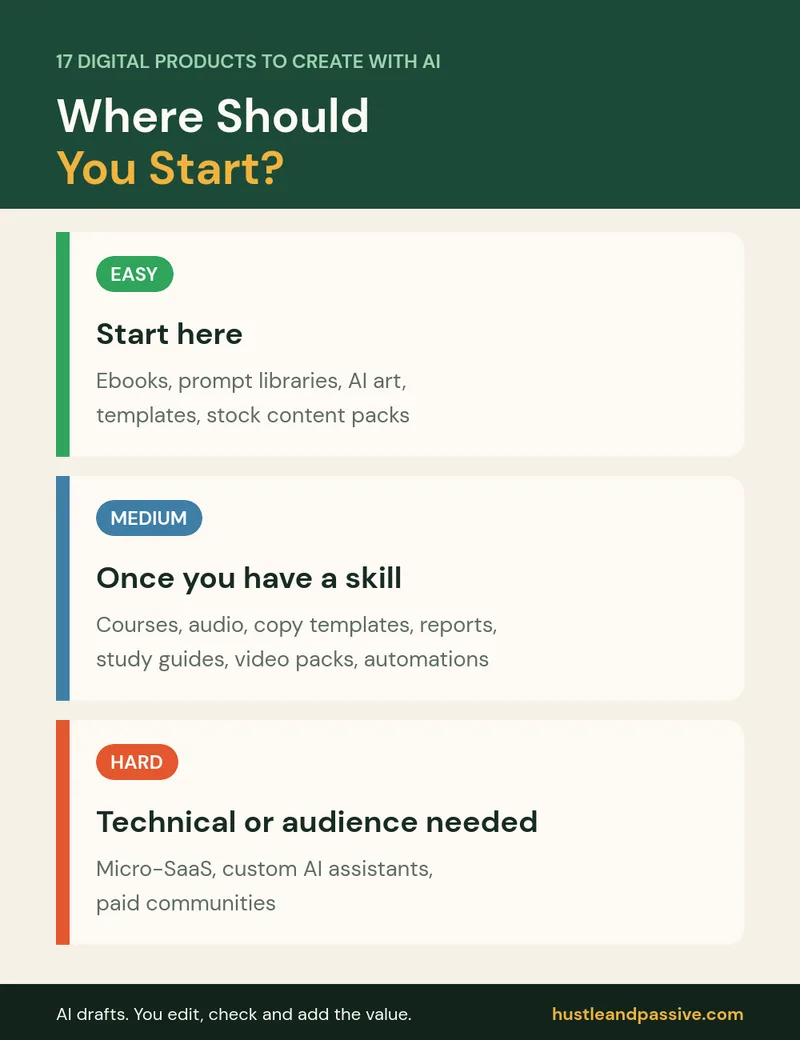
17 Digital Products to Create With AI at a Glance
Price tiers are rough positioning, not guarantees: low is under $30, mid is $30 to $150 and high is above $150. Check what similar products sell for in your niche before you set a price.
| Product | AI tools to start with | Price tier | Where to sell | Difficulty |
|---|---|---|---|---|
| 1. Ebooks and guides | ChatGPT or Claude | Low | Gumroad, Payhip, Amazon KDP | Easy |
| 2. Prompt libraries | ChatGPT, Claude, Notion | Low | Gumroad, Etsy | Easy |
| 3. Online courses and workshops | ChatGPT or Claude, Descript, Canva | Mid to high | Your own site, course platforms | Medium |
| 4. AI art and design products | Midjourney and other image tools | Low to mid | Etsy, print-on-demand | Easy |
| 5. Micro-SaaS tools | No-code app builders | Monthly subscription | Your own site | Hard |
| 6. Notion and productivity templates | Notion, Google Sheets | Low to mid | Gumroad, Etsy | Easy |
| 7. Voice and audio products | ElevenLabs | Low to mid | Gumroad, your own site | Medium |
| 8. Email and copywriting templates | ChatGPT or Claude | Mid | Your own site, Gumroad | Medium |
| 9. Research reports | ChatGPT or Claude with your own research | Mid to high | Your own site | Medium |
| 10. Custom AI assistants | Custom GPTs, no-code agent builders | High (per client) | Direct to clients | Hard |
| 11. Stock content packs | Image tools, ChatGPT | Low to mid | Etsy, Gumroad | Easy |
| 12. Study guides and learning materials | ChatGPT or Claude | Low to mid | Etsy, Gumroad | Medium |
| 13. Calculators and decision tools | ChatGPT or Claude, no-code builders | Low to mid | Your own site, Gumroad | Medium |
| 14. Productized services | ChatGPT or Claude | High (per client) | Direct to clients | Medium |
| 15. Paid communities | Community platforms | Monthly subscription | Skool or similar | Hard |
| 16. Video and short-form content packs | AI video and editing tools | Mid | Gumroad, Etsy | Medium |
| 17. Automation blueprints | Zapier, Make, n8n, Notion | Mid | Gumroad, your own site | Medium |
The 17 Digital Products to Create With AI, Explained
1. AI-Assisted Ebooks and Guides
Short, practical guides on a narrow topic are the easiest place to start. The common mistake is publishing an AI draft as-is: it reads generic and gets poor reviews. Use AI for research summaries and a first draft, then rewrite with real examples, checked facts and a clear structure. If you publish on Amazon KDP, you must disclose AI-generated text or images when you upload.
2. Prompt Libraries
Collections of tested prompts for one audience, such as real estate agents, teachers or Etsy sellers, sell because they save trial and error. Include an example output for each prompt so buyers can see what they get. Note that Etsy doesn’t allow AI prompt bundles as “designed by a seller” items, so Gumroad or your own site is usually a better home.
3. Online Courses and Workshops
AI can outline lessons, draft scripts and create worksheets, but the teaching and credibility have to come from you. Pick a skill you actually have, record short lessons, and use tools like Descript for editing. Courses take the most work on this list, but they also support the highest prices.
4. AI Art and Design Products
Wall art, patterns, clip art and printables made with image tools can sell well in specific niches. Generic “inspirational quote” posters rarely do. Never prompt with living artists’ names or brands, disclose AI use on Etsy, and read our guide to AI content legal rights before you sell.
5. Micro-SaaS Tools
Small web apps that do one job, such as a caption generator for one industry or a pricing calculator, can now be built with no-code AI app builders. They’re the hardest option on this list because you need to handle hosting, support and billing, but monthly subscriptions make them attractive once they work.
6. Notion and Productivity Templates
Planners, trackers, content calendars and client portals built in Notion or Google Sheets are quick to create. AI helps with formulas, structure and instructions. Bundles of related templates often sell better than single ones.
7. Voice and Audio Products
Guided meditations, audio versions of guides and sound packs can be produced with AI voice tools like ElevenLabs. Use a paid plan, since the free plan doesn’t allow commercial use, write your own scripts, and never imitate a real person’s voice.
8. Email and Copywriting Templates
Welcome sequences, sales emails and product descriptions for one type of business are useful because most small businesses struggle to write them. Test the templates on real campaigns and include instructions for adapting them.
9. Research Reports
AI can summarize large amounts of information quickly, but a report is only valuable if the sources are real and the analysis is yours. Cite every source, check every number, and focus on a niche where decision-makers need the information.
10. Custom AI Assistants
Businesses pay to have custom assistants built on their own documents and processes, such as a support assistant or an internal knowledge helper. This is closer to a service than a product, and it needs technical care around data privacy.
11. Stock Content Packs
Themed packs of images, backgrounds, icons or social media templates for one niche can sell steadily. Check each image tool’s commercial-use terms before selling, and describe AI use honestly.
12. Study Guides and Learning Materials
Flashcards, worksheets and study plans for specific exams or subjects are popular with students and parents. Accuracy matters more than anything here, so check every answer yourself.
13. Calculators and Decision Tools
Simple tools that help someone make one decision, such as “which business structure fits me” or “how much to charge”, can be built as spreadsheets, forms or small web apps. They also work well as free lead magnets for your email list.
14. Productized Services
Fixed-price services with a clear deliverable, such as an SEO audit, a content calendar or a resume rewrite, can be delivered faster with AI. You’re still selling your expertise, so price for the result, not the hours.
15. Paid Communities
A paid community built around one topic combines content, support and connection. Platforms like Skool host both the community and courses. This only works once you have an audience that trusts you.
Stop Losing Audiences After Week One
Course content + community discussion = one powerful platform. Skool unifies your teaching and your tribe, making it easier than ever to retain students and build a loyal, paying audience.
16. Video and Short-Form Content Packs
Script packs, video templates and short-form content bundles for creators or businesses can be produced faster with AI video and editing tools. Be clear about what’s AI-generated, and follow each platform’s disclosure rules for realistic synthetic video.
17. Automation Blueprints
Step-by-step automation workflows for tools like Zapier, Make or n8n, packaged with setup guides, appeal to business owners who want results without figuring out the automation themselves. Test every workflow before you sell it.
The 5-Step System Behind Every Product on This List
- Pick a narrow audience and problem. “Planner for freelance designers” beats “planner.”
- Validate demand with marketplace searches, existing reviews and a keyword tool like Keysearch.
Find Keywords That Actually Rank
Stop guessing what to write. KeySearch helps you discover low-competition keywords, analyze competitors, and create SEO content that drives long-term organic traffic.
- Create with AI, finish by hand. Let AI draft; you edit, fact-check and add real examples.
- Package it clearly with a good cover, preview images and instructions.
- Launch small and improve. Collect feedback from the first buyers before building more.
Where to Sell Digital Products Created With AI
| Platform | Best for | Watch out for |
|---|---|---|
| Gumroad or Payhip | Ebooks, templates, prompt packs | You bring most of the traffic |
| Etsy | Printables, art, templates | AI disclosure rules; prompt bundles not allowed as designed-by items |
| Amazon KDP | Ebooks and low-content books | AI disclosure required when publishing |
| Your own site | Courses, subscriptions, bundles | You need to build traffic yourself |
For a full comparison, see our guide to where to sell AI-generated products. If you want your own store, Shopify handles digital downloads with apps.
Setting Up Your Digital Product Business
- Website and hosting: a simple WordPress site on a host like Hostinger gives you a home for sales pages and your email signup.
- Email and CRM: HubSpot offers a free CRM with email tools to follow up with leads and buyers.
- Affiliate links: if you recommend tools inside your products, ThirstyAffiliates helps manage and track those links on WordPress.
- Tools: our guides to the best AI tools for digital products and free vs paid AI tools compare the options.
How to Price Your AI Digital Products
Price for the value of the result, not for the time AI saved you. Look at what the top listings in your niche charge, then position yourself as better (more complete, more specific, better support) rather than cheaper. Bundles and tiered versions, such as a basic and a pro edition, let buyers choose how much to spend.
How to Choose Among AI Products to Sell
- Beginners with little time: prompt libraries, templates or printables.
- Experts in a subject: ebooks, courses or research reports.
- Designers: art, stock packs or templates.
- Technical people: micro-SaaS, AI assistants or automation blueprints.
Common Mistakes With AI Digital Products
- Publishing AI output without editing. Buyers notice, and reviews suffer.
- Going too broad. Generic products compete with thousands of identical listings.
- Ignoring platform rules on AI disclosure, trademarks and commercial-use licenses.
- Skipping validation. Check that people search for and buy similar products first.
- Underpricing. Cheap prices attract low-value buyers and make updates unaffordable.
Want to build an audience without appearing on camera? Our guide to starting a faceless AI side hustle covers six faceless business models, the tools and a setup under $300.
Digital Products to Create With AI FAQ
What’s the easiest digital product to create with AI for beginners?
Templates, printables and prompt libraries are the easiest because they’re quick to make, cheap to test and easy to deliver. Pick one narrow audience and solve one problem well.
Which AI tool is best for creating digital products?
It depends on the product: ChatGPT or Claude for writing and research, Midjourney and similar tools for images, ElevenLabs for voice, and Notion or Google Sheets for templates. Most products need only one or two tools.
How much money can you make with AI digital products?
There’s no typical figure. Most new products sell slowly at first, and results depend on your niche, product quality and how much traffic you can bring. Treat your first product as a test and improve from buyer feedback.
Do I need to know how to code to create AI-powered products?
No. Ebooks, templates, prompt packs, art and courses need no code, and no-code builders now cover simple tools and apps.
Is it legal to sell AI-generated content?
Generally yes, but you must follow the AI tool’s commercial terms and each platform’s disclosure rules, and purely AI-generated material may not be protected by copyright in the US. See our guide to AI content legal rights for details.
What’s the best platform to sell AI digital products?
Gumroad or Payhip for most downloads, Etsy for printables and designs, Amazon KDP for books, and your own site for courses and subscriptions.
Related reading: my guide to selling Canva templates covers the next step.
Your Next Step
Pick one product type from the table that matches your skills, choose one narrow audience, and create a small first version this week. Then use feedback from your first buyers to improve it.
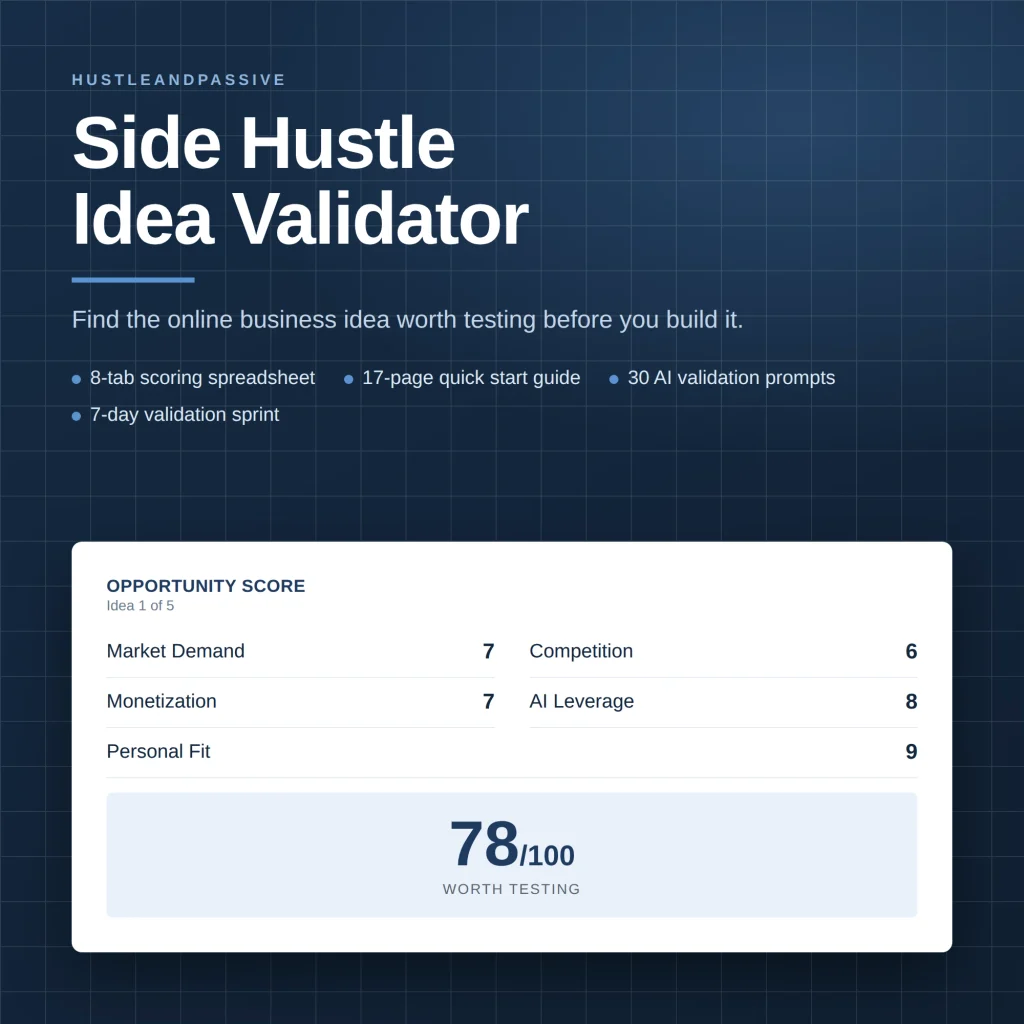
Not sure which product idea to pick? My Side Hustle Idea Validator ($9) scores each idea on demand, competition and startup cost, and the free 50 AI Side Hustle Ideas list gives you fifty to choose from.

Writes and tests every guide on hustle&passive. Everything here is something we have actually run — including the parts that did not work.