
Introduction
Managing cash flow is the lifeblood of any small business. Did you know that 82% of small businesses fail due to poor cash flow management?. Whether you’re a startup owner or managing a growing enterprise, having the right tools at your disposal ensures that your finances are streamlined, your expenses are tracked, and your revenue is optimized. Let’s dive into the Top 10 Cash Management Tools for Small Businesses in 2025 that can transform the way you handle your business finances!
1. QuickBooks Cash Management Software
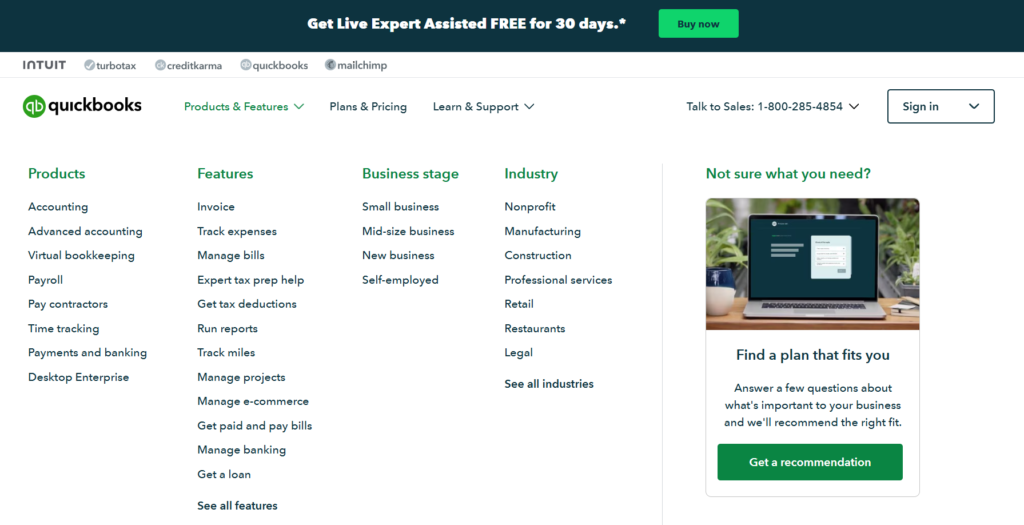
QuickBooks is a top choice for cash management tools for small businesses in 2025, providing comprehensive accounting features that cater to the unique needs of small enterprises. In 2025, QuickBooks continues to evolve, offering enhanced cash management capabilities that cater specifically to the needs of small businesses.
Learn more about QuickBooks Cash Management Software and its full range of features
- Comprehensive Financial Tracking: Monitor income, expenses, and profitability with ease.
- Automated Invoicing: Create and send professional invoices automatically, reducing manual effort.
- Expense Categorization: Automatically categorize expenses to simplify bookkeeping.
- Integration Capabilities: Seamlessly integrates with banks, payment processors, and other business tools.
- User-Friendly Interface: Intuitive design that makes financial management accessible, even for non-accountants.
Why Choose QuickBooks?
QuickBooks offers a robust set of features that cater to various aspects of cash management, making it a one-stop solution for small businesses aiming to streamline their financial operations.
If you wondering for an example of use, check out our article about Best Cash Flow Forecasting Software for Small Businesses.
2. Xero Cash Flow Solutions
Xero‘s cash management tools for small businesses in 2025 offer real-time financial insights, enabling owners to monitor cash flow effectively. Its cash flow solutions are designed to give small businesses a clear picture of their financial health.
- Real-Time Reporting: Access up-to-date financial reports anytime, anywhere.
- Bank Reconciliation: Automatically reconcile bank transactions to ensure accuracy.
- Budgeting Tools: Create and manage budgets to keep your finances on track.
- Invoice Management: Send, track, and receive payments efficiently.
- Mobile Access: Manage your finances on the go with Xero’s mobile app.
Enhance Your Financial Oversight
Xero’s real-time capabilities ensure that you’re always informed about your cash flow status, allowing for proactive financial decision-making.
3. FreshBooks Financial Management
FreshBooks is one of the top-rated cash management tools for small businesses in 2025, known for its user-friendly interface and ease of use for owners looking to manage cash flow. who need straightforward cash management solutions.
- Time Tracking: Track billable hours effortlessly and link them to invoices.
- Expense Tracking: Capture and categorize expenses with minimal effort.
- Customizable Invoices: Create personalized invoices that reflect your brand.
- Project Management: Manage projects and monitor their financial performance.
- Reporting Features: Gain insights into your cash flow with detailed financial reports.
Streamline Your Financial Processes
FreshBooks simplifies complex financial tasks, allowing you to focus more on your core business activities rather than getting bogged down by paperwork.
4. Wave Accounting Tools
Wave is a budget-friendly option among the cash management tools for small businesses in 2025, offering a comprehensive free solution without sacrificing essential features, making it an excellent choice for startups and small businesses with tight budgets.
- Free Accounting Software: Comprehensive features at no cost, ideal for budget-conscious businesses.
- Invoicing and Receipts: Create invoices and scan receipts effortlessly.
- Expense Tracking: Keep track of all your business expenses in one place.
- Bank Connections: Link your bank accounts for automatic transaction imports.
- Financial Reports: Generate essential financial statements to monitor your business health.
Affordable Yet Powerful
Explore Wave’s free accounting software and discover how it can help you manage your business’s cash flow effectively.
5. Zoho Books Cash Management
Zoho Books is a great addition to the cash management tools for small businesses in 2025 and integrates seamlessly with the rest of the Zoho suite, providing an all-in-one solution, which is perfect for businesses looking for an all-in-one solution.
- Automated Workflows: Streamline repetitive tasks with automation.
- Inventory Management: Keep track of inventory levels and costs.
- Multi-Currency Support: Handle transactions in multiple currencies with ease.
- Detailed Reporting: Access comprehensive reports to make informed decisions.
- Client Portal: Allow clients to view and pay their invoices online.
Integrated Business Solutions
Zoho Books’ ability to integrate with other Zoho apps provides a unified platform for managing various aspects of your business, enhancing overall efficiency.
6. KashFlow Financial Software
KashFlow offers a cloud-based accounting solution tailored for small businesses, focusing on simplicity and ease of use without compromising on functionality.
- VAT Management: Simplify VAT calculations and submissions.
- Payroll Integration: Manage payroll seamlessly within the platform.
- Customizable Invoicing: Create invoices that meet your business needs.
- Expense Claims: Easily track and approve employee expenses.
- Security Features: Robust security measures to protect your financial data.
Security and Simplicity Combined
KashFlow’s emphasis on security and user-friendly features ensures that your financial data is both safe and easy to manage.
7. Sage Business Cloud Accounting
Sage is a trusted name in accounting, and its Business Cloud Accounting software is designed to support small businesses as they grow and scale.
- Scalable Solutions: Suitable for businesses of all sizes, from startups to growing enterprises.
- Advanced Reporting: Generate detailed financial reports for better decision-making.
- Inventory Management: Efficiently manage inventory and track costs.
- Multi-User Access: Collaborate with your team in real-time.
- Integration Options: Connect with various third-party applications to enhance functionality.
Grow with Confidence
Sage’s scalable solutions ensure that your cash management tools grow alongside your business, providing consistent support as your needs evolve.
8. Intuit Mint for Business Finances
While Mint is typically associated with personal finance, Intuit has extended its capabilities to support small business finances, offering a simple yet effective cash management tool.
- Budgeting Tools: Create and manage business budgets with ease.
- Expense Tracking: Monitor and categorize business expenses efficiently.
- Financial Goal Setting: Set and track financial goals to keep your business on target.
- Bill Reminders: Never miss a payment with automated bill reminders.
- Customizable Reports: Access reports tailored to your business needs.
Personalized Financial Management
Intuit Mint brings the simplicity of personal finance management to small businesses, making it easier to stay on top of your finances without the complexity of traditional accounting software.
9. Bill.com Cash Management
Bill.com specializes in automating accounts payable and receivable processes, providing a seamless cash management experience for small businesses.
- Automated Payments: Schedule and automate bill payments to ensure timely transactions.
- Invoice Management: Create, send, and track invoices effortlessly.
- Cash Flow Visibility: Gain real-time insights into your cash flow status.
- Collaboration Features: Work with your team and accountants in one platform.
- Secure Transactions: Ensure secure handling of all financial transactions.
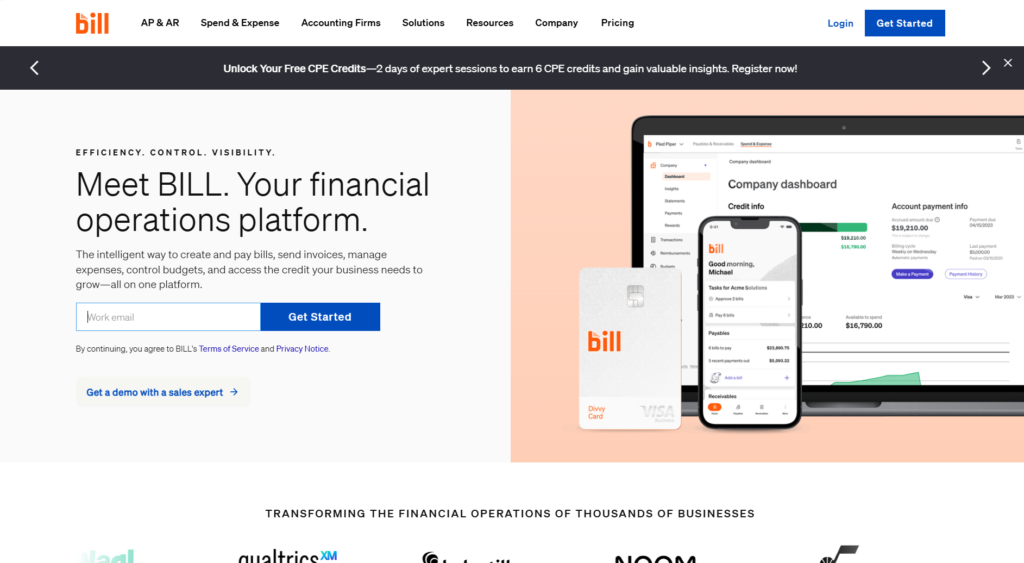
Efficiency Meets Security
Bill.com’s focus on automation and security helps streamline your cash management processes while safeguarding your financial data.
10. Trello for Financial Planning
While Trello is primarily a project management tool, its customizable boards and integration capabilities make it a valuable asset for financial planning and cash management.
- Customizable Boards: Create boards tailored to your cash management needs.
- Integration with Financial Tools: Connect Trello with other financial applications for seamless data flow.
- Team Collaboration: Work with your team in real-time to manage financial tasks.
- Visual Financial Tracking: Use Trello’s visual interface to track cash flow and expenses.
- Automated Workflows: Implement automation to handle repetitive financial tasks.
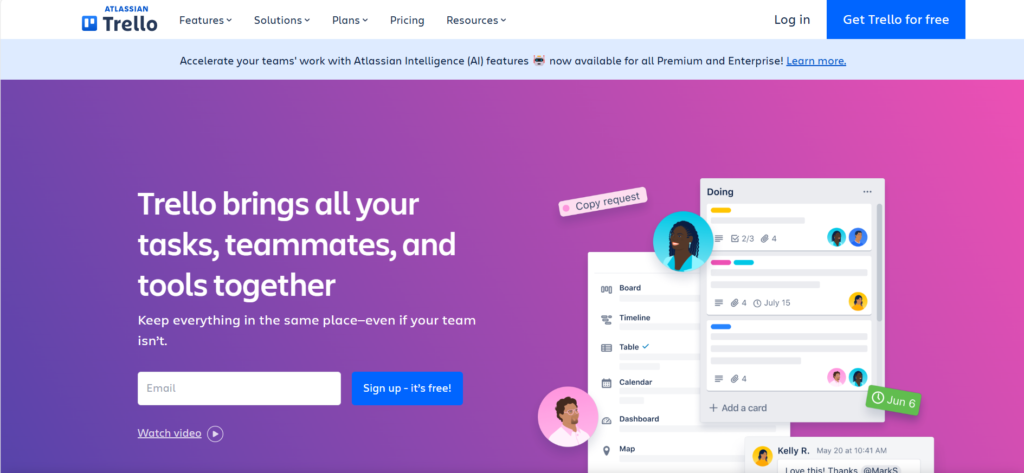
Visual and Collaborative Financial Management
Trello’s flexibility allows you to design a cash management system that fits your unique business needs, promoting collaboration and clarity in financial planning.
Conclusion
Effective cash management tools for small businesses in 2025 are essential for maintaining healthy financial operations. By leveraging these cash management tools, small businesses can optimize cash flow, make informed decisions, and ensure sustainable growth.. By leveraging these Top 10 Cash Management Tools for Small Businesses in 2025, you can gain better control over your finances, make informed decisions, and set your business up for sustained growth. Whether you choose a comprehensive solution like QuickBooks or a specialized tool like Bill.com, the right cash management software can streamline your financial operations and free up your time to focus on what truly matters—growing your business. Start implementing these solutions today and watch your business thrive!
For more insights into successful cash management, check out this guide on cash management strategies
Ready to take control of your business finances? Choose the right cash management tool today and streamline your financial operations for success in 2025! If you have any questions or need personalized recommendations, feel free to contact us or leave a comment below. Let’s ensure your business’s financial health is stronger than ever!