Disclosure: Some links in this article may be affiliate links. If you purchase through one of these links, we may earn a commission at no additional cost to you.
Every AI tool worth using in 2026 has a free tier. That’s the easy part.
The harder part is that most of what actually makes these tools useful faster processing, higher usage caps, export options, API access, commercial rights — sits behind the paywall. Free tiers are built to be genuinely useful for a while, then to make the ceiling obvious right around the point where you’d actually rely on the tool for real work.
If you would rather start with no spend at all, here are the best free AI tools I would try first.
Not sure yet what you will use these tools for? My guide to the best ways to make money with AI shows what each method costs to start.
We’ve tested the tools that make up our full AI tools breakdown for side hustlers ourselves, and choosing between free vs paid AI tools isn’t really about which tool is “better.” It’s about which limit you’ll hit first, and whether hitting it costs you more than the subscription would.
This guide to free vs paid AI tools skips the marketing language. Here’s what free tiers actually restrict, what paid tiers unlock, real 2026 pricing across the tools side hustlers use most, and a short framework for knowing when to upgrade and when not to bother yet.
The Quick Answer
If you only read one section on free vs paid AI tools, read this one:
- Stay on free tiers while you’re testing a new use case, still learning the tool, using it occasionally rather than daily, or working with nothing sensitive or client-facing.
- Upgrade to paid when you’re using a tool most days, regularly hitting usage caps or queues, need to export or integrate with something else, or the work is customer-facing.
- The cheapest real unlock for most side hustlers: a $12–20/month writing or design tool almost always pays for itself first, before SEO or automation tools do.
- Free tiers are a legitimate way to find your actual bottleneck before you pay to fix it. Don’t skip that step just because a tool looks impressive in a demo.
Free vs Paid AI Tools: Pricing at a Glance (2026)
Here is how free vs paid AI tools compare for the tools side hustlers use most: what free gets you and what paid starts at. Prices were checked on each provider’s pricing page in September 2026 and are in US dollars; they change often, so confirm before you subscribe.
| Tool | Category | Free Tier | Paid Starts At | What Paid Actually Unlocks |
|---|---|---|---|---|
| ChatGPT | Writing | Yes | $20/mo (Plus) | Higher limits, faster responses, more model access |
| Claude | Writing | Yes | $20/mo (Pro), $17/mo billed yearly | Longer context windows, higher usage caps |
| Jasper | Writing | No (7-day trial only) | $59/mo billed yearly ($69 monthly) | Marketing templates, brand-voice controls, team seats |
| Grammarly | Editing | Yes | $12/mo | Tone detection, plagiarism check, advanced suggestions |
| Canva | Design | Yes (generous) | $144/yr (Pro, one person) | AI features, full template/asset library, brand kit |
| Midjourney | Design | No | $10/mo (Basic) | Access at all there’s no meaningful free tier here anymore |
| Descript | Video/Audio | Limited (60 media minutes/mo, watermark) | $16/mo (Hobbyist, billed yearly) | Longer exports, more transcription minutes |
| ElevenLabs | Video/Audio | Yes | $6/mo (Starter) | More credits, instant voice cloning, commercial license |
| Keysearch | SEO | No (trial only) | $24/mo | Actual keyword and rank-tracking data |
| HubSpot | Business/CRM | Yes (CRM stays free) | ~$9–20/seat/mo | Marketing automation, lead sequences |
| Kit (formerly ConvertKit) | Yes (up to 10,000 subscribers) | $33/mo (Creator, from 1,000 subscribers) | Automations and deliverability tools beyond the free cap |
For the full 26-tool breakdown with pros, cons, and category-by-category picks, see our best AI tools for side hustlers guide.
What “Free” Actually Costs You
“Free” rarely means unrestricted. It means the provider is betting you’ll hit one of these limits and upgrade:
Speed and availability. Free-tier requests get lower processing priority, and queues get longer during peak hours. It’s rarely a dealbreaker for occasional use it becomes one the moment you’re on a deadline.
Usage caps. Message limits, generation counts, and export quotas that reset daily or monthly. These feel generous for the first week and tight the moment a tool becomes part of your actual workflow instead of something you’re trying out.
Export and integration. Free tiers typically block API access, limit which file formats you can export to, and skip webhook or automation support. Fine if you’re copy-pasting output manually. A real constraint the moment you want tools talking to each other.
Commercial rights. This one catches people off guard: several AI image and video tools restrict or cap commercial use specifically on their free or cheapest tier. If you’re building a product to sell, read the licensing terms before you build a whole brand around free-tier output.
Support. Free tiers mean community forums, not a response time. Not a problem until something breaks the week you’re launching.
None of this makes free tiers bad. It makes them a trial, not a ceiling free product which is exactly what they’re designed to be.
What You’re Actually Paying For
Strip away the feature-list marketing and paid tiers boil down to five things:
- Speed : priority processing instead of queued generation
- Volume : higher or removed usage caps
- Access : API keys, integrations, automation hooks
- Depth : advanced features like brand-voice controls, fine-tuning, batch processing, or higher-resolution exports
- Rights and reliability : commercial usage rights and actual support when something breaks
If a paid tier doesn’t clearly deliver at least two of those for what you’re doing, that’s usually a sign you don’t need it yet.
When Free Is Genuinely Enough
Don’t upgrade yet if:
- You’re testing whether a use case even works before committing to it
- You’re still learning what the tool does and doesn’t do well
- You use it occasionally a few times a month, not daily
- Nothing you’re producing needs to be exported, automated, or integrated elsewhere
- The work isn’t client-facing or built around sensitive data
- You’re not working with a team who also needs access
When to Upgrade to Paid
Upgrade when:
- You’re opening the tool most days, not occasionally
- You’re regularly hitting usage caps, rate limits, or generation queues
- You need API access or the tool to connect to something else in your workflow
- The output is going in front of a customer or client, not just yourself
- You need commercial usage rights on what the tool produces
- Support response time actually matters if something breaks
If more than two or three of these are true, the math on free vs paid AI tools almost always favors paying the time lost to free-tier friction adds up faster than the subscription cost.
Is Free AI Better Than Paid? The Difference in Popular Tools
Free is rarely “worse AI” in the sense of a broken product. The difference between free and paid AI is mostly how much you can use it, which models or features you get, and what you are allowed to do with the output. Here is what changes in the tools people ask about most:
- ChatGPT free vs paid: the free plan covers everyday chat. Plus ($20/mo) adds OpenAI’s advanced reasoning models and higher message and upload limits.
- Claude free vs paid: free works for short sessions. Pro ($20/mo) raises the usage limits and gives access to more models and features, which matters for long documents.
- Canva free vs paid: free is enough for most simple designs. Pro adds the full template and asset library, brand kit and most AI features.
- Midjourney: there is no free tier to compare; you pay from the Basic plan ($10/mo).
- ElevenLabs free vs paid: free gives 10,000 credits a month for testing. Starter ($6/mo) adds instant voice cloning and a commercial license.
If the free version does the job and you are not hitting its limits, it is not “worse” for you. Pay when a limit is costing you time or blocking something you need, such as commercial use.
Free vs Paid AI Tools, Category by Category
Writing
ChatGPT and Claude’s free tiers genuinely cover most early-stage writing brainstorming, first drafts, outlines. Paid removes the rate limits and, with Claude specifically, extends how much context you can work with in one conversation, which matters once you’re drafting anything long-form. If you’re exploring what a writing-only side hustle can look like, see making money with ChatGPT for real examples of where that free-to-paid line actually falls.
Design
Canva’s free plan is unusually generous for a free tier most people can build a lot before hitting a real wall. But the AI-specific features, the full template and brand-kit library, and higher-resolution exports sit behind Canva Pro. If design touches more than one product a month, Pro tends to pay for itself in saved hours alone rather than in anything you’d call a “feature.”
Video & Audio
Descript and ElevenLabs both offer usable free tiers for testing the workflow. Paid tiers are almost entirely about volume more transcription minutes, longer voice clips, and voice cloning, which sits behind the paid tier on both. Don’t pay here until you know you’ll actually be publishing audio or video regularly.
SEO
This is the category where free genuinely isn’t an option once you need real data. Both Keysearch and Surfer SEO require a paid plan to see actual keyword volume, difficulty, or rank tracking free/trial access gets you a demo, not usable numbers. Between the two, Keysearch gets most of the value at roughly a quarter of the price, which is why it’s the one we actually use on this site. Budget for a tool here the moment you’re publishing with intent, not while you’re still deciding on a niche.
Find Keywords That Actually Rank
Stop guessing what to write. KeySearch helps you discover low-competition keywords, analyze competitors, and create SEO content that drives long-term organic traffic.
Business & CRM
HubSpot is the outlier on this list: its CRM stays free indefinitely, not as a trial but as the actual product. You only start paying once you want marketing automation, lead scoring, or sequenced follow-ups layered on top. If you’ve outgrown a spreadsheet for tracking leads or customers, HubSpot is worth starting with free before deciding whether the paid tiers are worth it for your volume.

Own Your Audience. Build Your List
Social media algorithms can change tomorrow. Your email list is yours forever. HubSpot gives you the tools to capture leads, automate sequences, and turn subscribers into buyers without needing a tech degree.
A Simple Way to Decide
Run any tool through these four questions before choosing between free and paid AI:
- How often will I actually use this? Weekly or more leans toward paid. A handful of times a month rarely justifies it yet.
- What does hitting the free limit actually cost me? If the time lost to caps, queues, or manual workarounds is worth more than the subscription, upgrade. If it’s a minor annoyance, it isn’t.
- Is this customer-facing or does it touch sensitive data? If yes, the reliability, support, and commercial rights that come with paid tiers usually justify the cost on their own.
- Have I actually validated this use case yet? If you’re still testing whether the idea works at all, stay free until it does. Paying for a tool before you’ve proven the workflow is one of the most common ways people overspend early on.
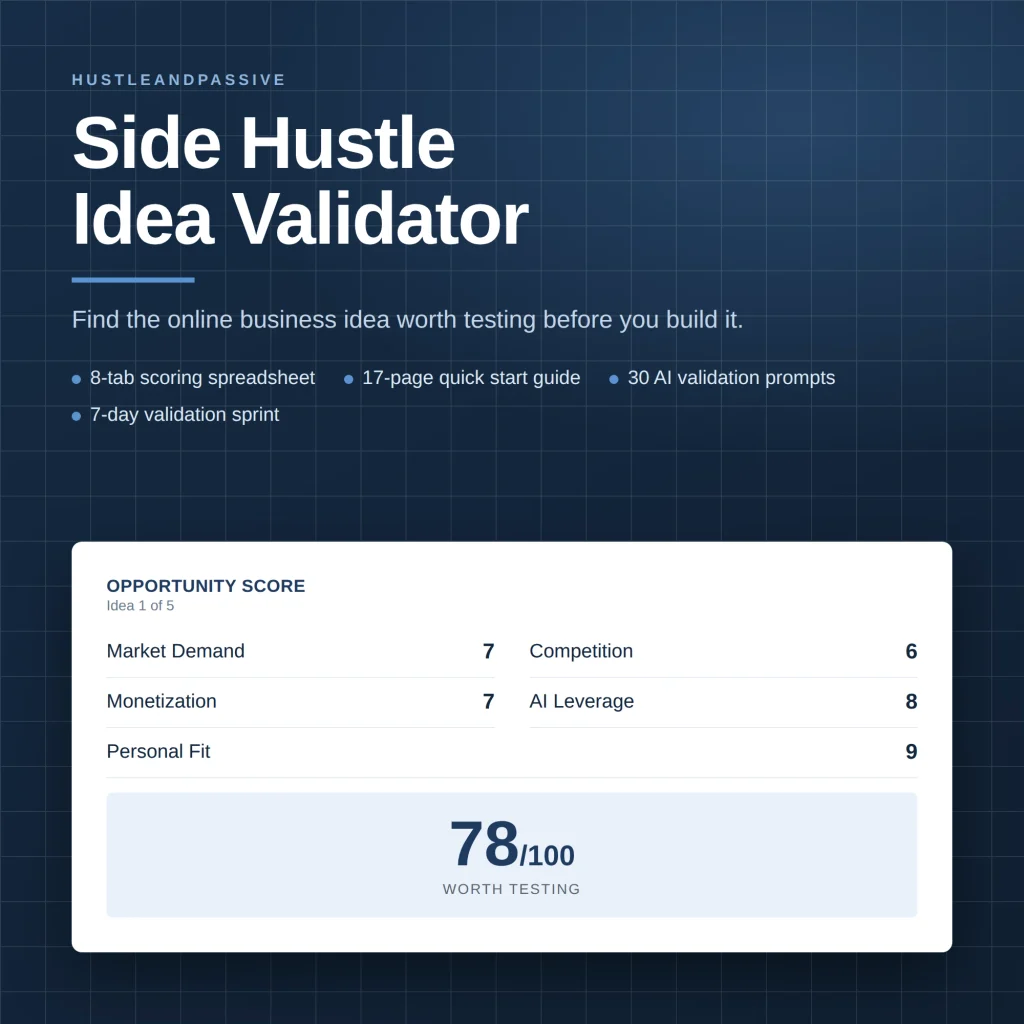
My Side Hustle Idea Validator is a spreadsheet that scores an idea on eight weighted criteria, including market demand, competition and startup cost, and gives you a build, modify or kill call before you spend on subscriptions. It won’t predict sales; it tells you which idea deserves testing first
Common Mistakes When Choosing Between Free and Paid AI Tools
- Paying before validating. Upgrading a tool for a workflow you haven’t proven out yet, instead of testing free first.
- Stacking subscriptions instead of using them. Five $20/month tools you open once a week cost more, and do less, than two you actually rely on.
- Ignoring commercial-use restrictions. Building a product around free-tier image or video output without checking whether you’re actually allowed to sell it.
- Treating “free” as “no cost.” Free tiers still cost time in waiting, workarounds, and manual exports. That time has a price even when the tool doesn’t.
- Never revisiting the decision. The free tier that made sense when you started often stops making sense once your output volume grows. Worth checking every few months, not deciding once and forgetting about it.
FAQ
Are free AI tools good enough to start a side hustle?
For most people, yes at least at the start. Free tiers on tools like ChatGPT, Claude, and Canva cover the early testing and validation stage of most digital product or content ideas. The limits tend to show up once you’re publishing or producing consistently, not before.
Is it worth paying for AI tools before I’ve made any money from the side hustle?
Usually not, with one exception: tools where there’s no meaningful free tier to test with in the first place, like Keysearch for keyword research or Midjourney for image generation. For everything else, validate on free first.
What’s the cheapest paid AI tool that’s actually worth it?
For most side hustlers, a $12–20/month writing or design upgrade (Claude, ChatGPT Plus, or Canva Pro) delivers more usable value per dollar than the pricier SEO or automation suites, simply because you’ll use it more often.
Do free AI tools use my data to train their models?
It varies by provider and changes over time, so it’s worth checking the current privacy policy for any tool before you put sensitive or proprietary information into it free tier or paid. Several providers exclude paid-tier usage from model training by default; free tiers are less consistent about this.
One more guide worth a look: selling Canva templates.
Bottom Line
The free vs paid AI tools decision isn’t really about which tool is better. It’s about matching the tier to how much you’re actually using the tool, and what hitting its limits costs you.
Start free, always. Track where you’re actually hitting a wall speed, caps, exports, or commercial rights and upgrade that specific bottleneck when it starts costing you more time than the subscription would cost in money. Most side hustlers only need one or two paid tools at a time, not a stack of them.
Once your stack is sorted, the next question is usually what to build with it our digital product creation blueprint walks through turning that toolset into an actual product to sell.
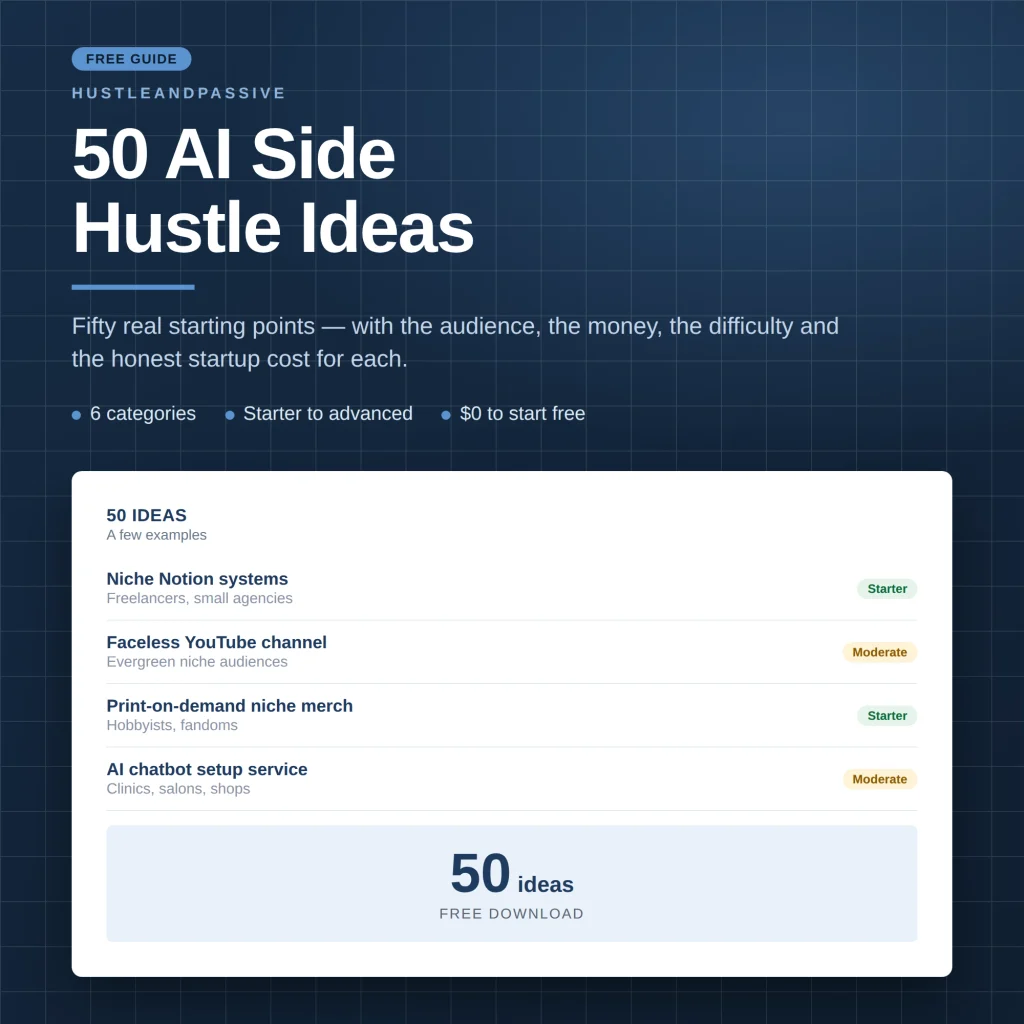
My free 50 AI Side Hustle Ideas list covers fifty starting points across six categories, each with the audience, the money, the difficulty and the honest startup cost.

Writes and tests every guide on hustle&passive. Everything here is something we have actually run — including the parts that did not work.