A 3D printer business sounds like free money: you press print, a machine works for hours, and a buyer pays for the result. The catch is that the printer is the cheap part. The fees, the marketplace rules and the safety rules are what decide whether a 3D printer business makes a profit or just fills a shelf with plastic.
This guide is for you if you own a printer, or you’re thinking of buying one, and you want to know what a 3D printer business involves before you spend money. I haven’t run one myself, so I won’t quote my own earnings. What I did was read Etsy’s seller fee pages and its Creativity Standards, the Small Business Administration (SBA) guide to market research, the Consumer Product Safety Commission (CPSC) small business page and the IRS self-employment page, then turn the rules into a plain-English plan.
Some links on hustle&passive may be affiliate links. If you purchase through one of these links, we may earn a commission at no additional cost to you. Affiliate Disclosure
Last updated: October 2026. Marketplace fees and policies change often, so check each source before you rely on a number.
Key Takeaways
- Etsy has a rule for 3D printing. Its Creativity Standards place 3D-printed items under “made by a seller” and say the item must come from your own original design.
- Fees add up fast. Etsy lists a $0.20 listing fee, a 6.5% transaction fee and a 3% plus $0.25 payment processing fee in the US.
- Other people’s files are a risk. Etsy says items assembled to the manufacturer’s instructions don’t qualify, and a bundle of someone else’s work isn’t “designed by” you.
- Safety is your job. The CPSC says there is no one-size-fits-all checklist, so you must work out which rules apply to your product.
- Taxes start early. The IRS says you have to file a return if net self-employment earnings reach $400.
Is a 3D Printer Business Worth Starting?
It can be, if you treat it like a business and not a hobby that happens to sell. A 3D printer business has real costs: the machine, materials, your time for design and post-processing, packaging, shipping and fees. And your income depends on demand, which no printer can create.
I haven’t priced printers or filament for this guide, because those numbers change fast and I’d rather not guess. What I can do is show you the part of the math that’s written down in official pages: marketplace fees, marketplace rules and tax. If you’re still choosing between ideas, my guides to best business ideas and home-based businesses compare options with different startup costs.
What Does Etsy Allow for a 3D Printer Business?
Etsy allows 3D printing, with conditions. Etsy’s Creativity Standards put 3D-printed items under “made by a seller,” which covers physical items made with personal or computerized tools. To qualify, the item has to be produced in your own shop or home and be based on your own original design, and it’s often personalized to the buyer. The page gives the example of a bust made by a seller using a 3D printer.
Three conditions matter most. Items assembled according to a manufacturer’s instructions don’t qualify. Your listing photos must be original photos or video of the final product, and for personalized items, the first image has to show a finished, customized item, not a blank product. And the page doesn’t explicitly address third-party 3D model files, but both the “made by” and “designed by” categories require your own original design, so a listing built on someone else’s file would appear not to meet the rules.
My read: the safe path is to design your own items, or to license designs in a way that clearly allows commercial sale and check that Etsy accepts them. If a design isn’t yours, ask before you list. Etsy says it may remove listings that don’t follow the policy, and you stay responsible for the fees on them. The page is dated June 10, 2025, so check for updates.
How Much Does Etsy Take From a 3D Printer Business?
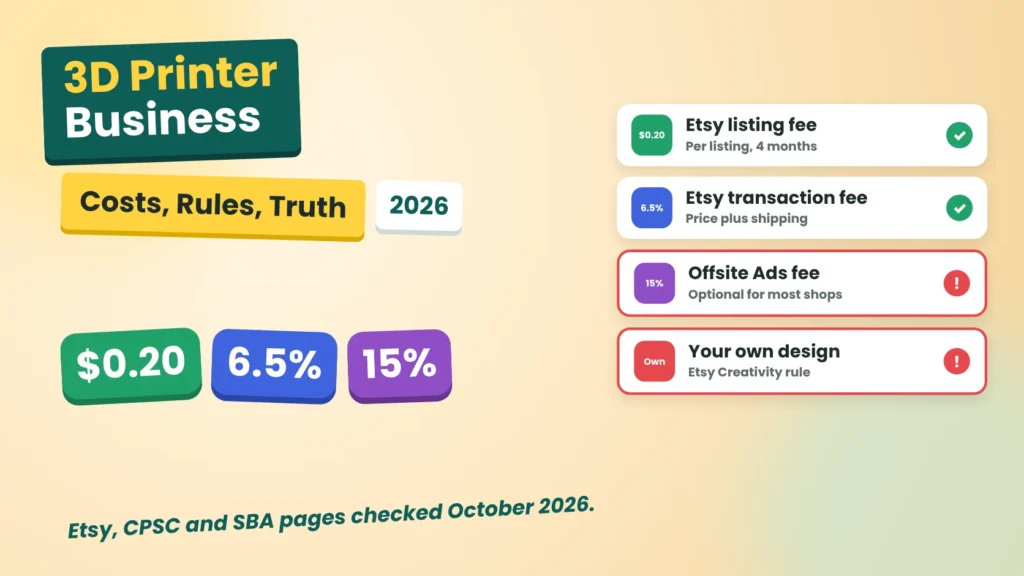
A few percent at several points, which together matter. Etsy’s sell page lists, for US sellers, a $0.20 listing fee, a 6.5% transaction fee on the sale price including shipping, and a payment processing fee of 3% plus $0.25 per sale through Etsy Payments. The fees policy adds that listings expire after four months and renew at $0.20, and that the transaction fee covers the displayed price plus shipping and gift wrap. Offsite Ads carry a 15% fee on attributed orders, or 12% once a shop has $10,000 in sales over the prior 365 days, capped at $100 per order. Etsy says most sellers can opt out, but participation may be required depending on your sales over 12 months.
Here is an illustration (an example, not a promise, and not a profit forecast). Say you sell a printed item for $30 and charge $5 for shipping, so the buyer pays $35. The 6.5% transaction fee is about $2.28, the processing fee is about $1.30 (3% of $35 plus $0.25), and the listing fee is $0.20. Etsy takes about $3.78 before any ad fee. You then pay for material, packaging, postage and your time. If Offsite Ads applies, 15% of an order that size would be another $5.25, so I’d opt out unless the math works.
The part to remember: price from your costs upward, and add fees last, not first.
Do You Need to Check Product Safety Rules?
Yes, especially for anything a child might use. The CPSC small business page says there’s no one-size-fits-all checklist of safety requirements, so you have to work out which rules apply to your product. It points new sellers to the Regulatory Robot, a tool that walks you through CPSC requirements, and it says small batch manufacturers can register for relief from certain third-party testing requirements for children’s products.
The page doesn’t explain lead limits, small-parts rules or certificates in detail, so I won’t claim specifics. My advice is simple. Skip children’s toys at the start, because the rules are heavier, and focus on items such as organizers, display stands and desk accessories, then read the CPSC guidance before you add anything else.
How Do You Find What to Print?
Start with demand, not with what looks good on your printer. The SBA’s market research guide lists six questions: demand, market size, economic indicators, location, saturation and pricing. It also says to identify competitors, assess their strengths and weaknesses, and define a competitive edge.
Here is how I’d apply that to a 3D printer business in an afternoon:
- Search Etsy for three product ideas. Note how many sellers offer similar items, and their prices.
- Look for a gap. A custom size, a personalized option or a better photo can be your edge.
- Check that the item can be your own design. If you can’t design it, ask whether a licensed design is allowed.
- Test one item. List a small batch before you build a catalog.
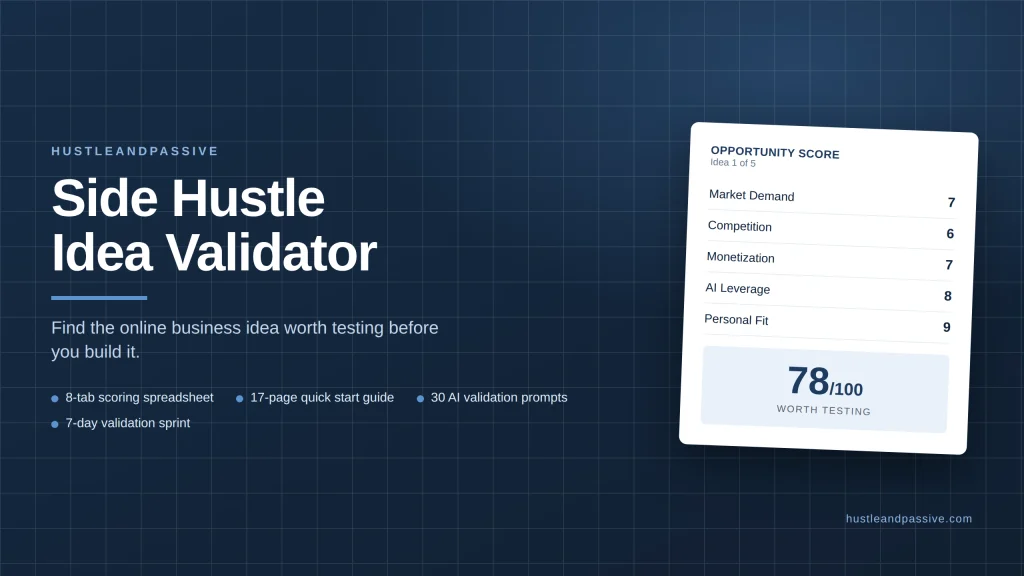
If you want a faster test of an idea, my Side Hustle Idea Validator lets you score it on demand, competition and startup cost, and the free 50 AI side hustle ideas list gives you more options to compare.
How Do You Start a 3D Printer Business Step by Step?
Start small and keep the first product simple. Here is the order I’d follow.
- Pick one niche. “Cable organizers for desks” beats “anything printable.”
- Design or adapt your own item. Keep the design original so it fits Etsy’s rules.
- Print a test batch and fix the flaws. Quality problems cost more than printer time. Digital calipers help you check sizes, and a basic finishing kit covers the cleanup.
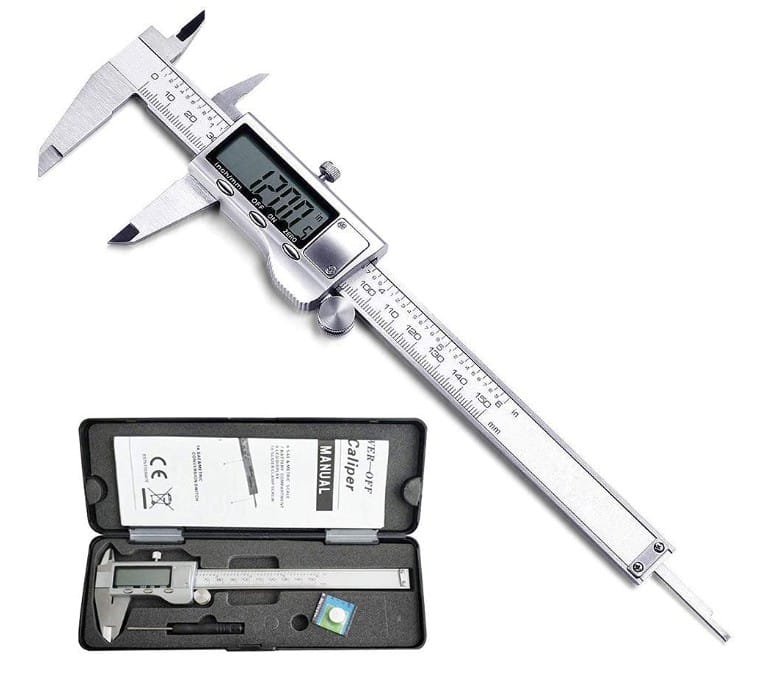
Small measurement errors can lead to costly returns and unhappy customers. Digital calipers help you check dimensions and improve consistency before listing your products on Etsy.
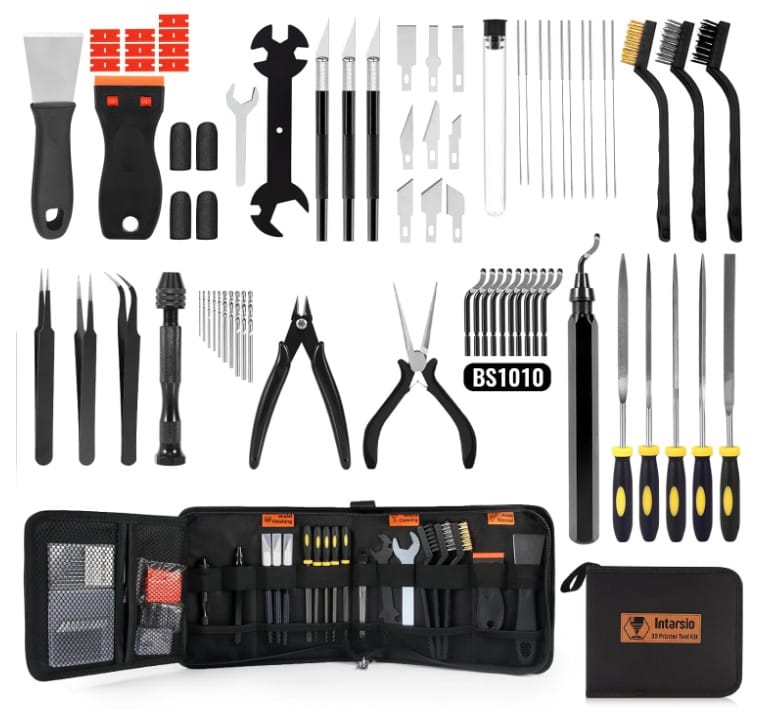
Clean edges and smooth surfaces can make a big difference in how customers perceive your products. A basic finishing kit helps you remove imperfections and prepare your prints for sale.
- Take original photos. Etsy requires photos or video of the actual product, and a small photo light box keeps the lighting even without a studio.
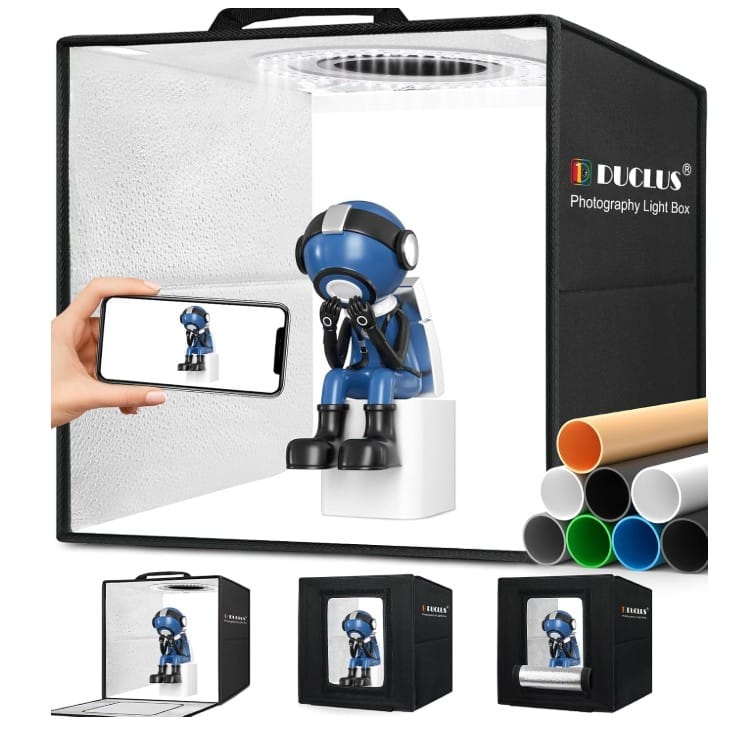
Clear, well-lit product photos help shoppers understand what they’re buying. A compact photo light box provides consistent lighting for small 3D-printed products without the cost of a studio setup.
- List with fees in mind. Use the example above to set a price with margin.
- Track income and costs from day one. The IRS says you have to file a return if net self-employment earnings reach $400, and self-employed people usually pay taxes through estimated payments. My guide to financial planning for gig workers shows how to set money aside.
Shipping is part of the cost too. Bubble mailers protect small prints at a low price, so add their cost to your shipping charge.
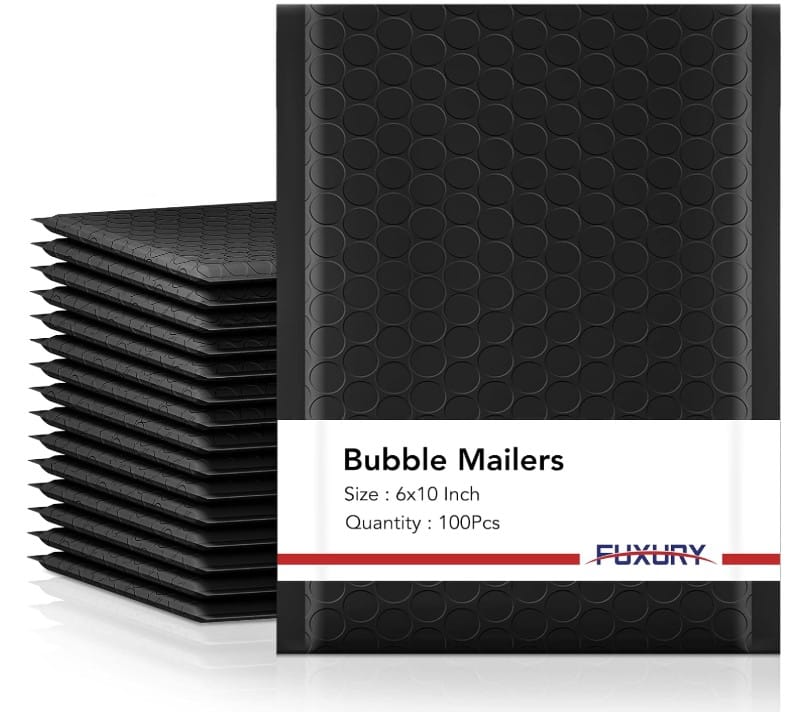
Damaged deliveries can eat into your profits. Bubble mailers provide lightweight cushioning for many small 3D-printed items, helping you prepare orders for shipping. Choose a size and protection level suited to your product.
If you want other ways to sell through a marketplace, see my guides on the best products to sell on Etsy and the print on demand business, where a partner prints and ships for you.
Who Should Skip a 3D Printer Business?
Based on the rules, it fits you if you:
- Enjoy designing and fixing small problems.
- Can wait for sales to build.
- Are comfortable reading marketplace policies.
Skip it if you:
- Need money within days. A new shop takes time to get found.
- Plan to sell other people’s designs without permission.
- Don’t want to test products for safety.
If you’d rather avoid physical products, see my list of remote side jobs or side hustles that pay daily.
What Are the Risks and Mistakes to Avoid?
The main risks with a 3D printer business are rule violations, thin margins and safety problems. Here are the mistakes I’d watch for.
- Selling someone else’s file. Etsy’s standards require your own design for these categories.
- Pricing before fees. Fees can take a visible slice of every order.
- Using stock photos. Etsy asks for original photos or video of the final product.
- Skipping safety checks. The CPSC says you must work out which rules apply.
- Ignoring taxes. Net earnings of $400 trigger a filing requirement.
FAQ
Can you sell 3D printed items on Etsy?
Yes, under conditions. Etsy’s Creativity Standards place 3D-printed items under “made by a seller,” and the item must come from your own original design, produced in your own shop or home.
How much does Etsy charge for a 3D printer business?
Etsy’s sell page lists a $0.20 listing fee, a 6.5% transaction fee and a payment processing fee of 3% plus $0.25 for US sellers. Offsite Ads carry an extra 15% on attributed orders, or 12% above $10,000 in prior-year sales.
Do you need safety testing for 3D printed products?
It depends on the product. The CPSC says there’s no one-size-fits-all checklist, so you must work out which rules apply. Children’s products have heavier requirements, so check the CPSC’s guidance first.
How do you start a 3D printing business with little money?
Start with one niche and one product, use your own design, test a small batch and price after fees. The SBA recommends researching demand, competition and pricing before you build.
This is one piece of a bigger topic, so my guide to digital product ideas is a good place to zoom out.
The Bottom Line
A 3D printer business can earn real money, but it pays for design, testing and patience more than for machine time. The honest picture: Etsy allows it with conditions, fees take a visible slice, and safety and tax rules apply from the first sale.
My advice: design your own item, price after fees, test one product and keep records from the first order. And if Etsy’s policy or fees have changed by the time you read this, send me a message through the contact page so I can update the guide.

I write every guide on hustle&passive. I test what I can, and when I have not tried something myself, I say so and cite my sources.